
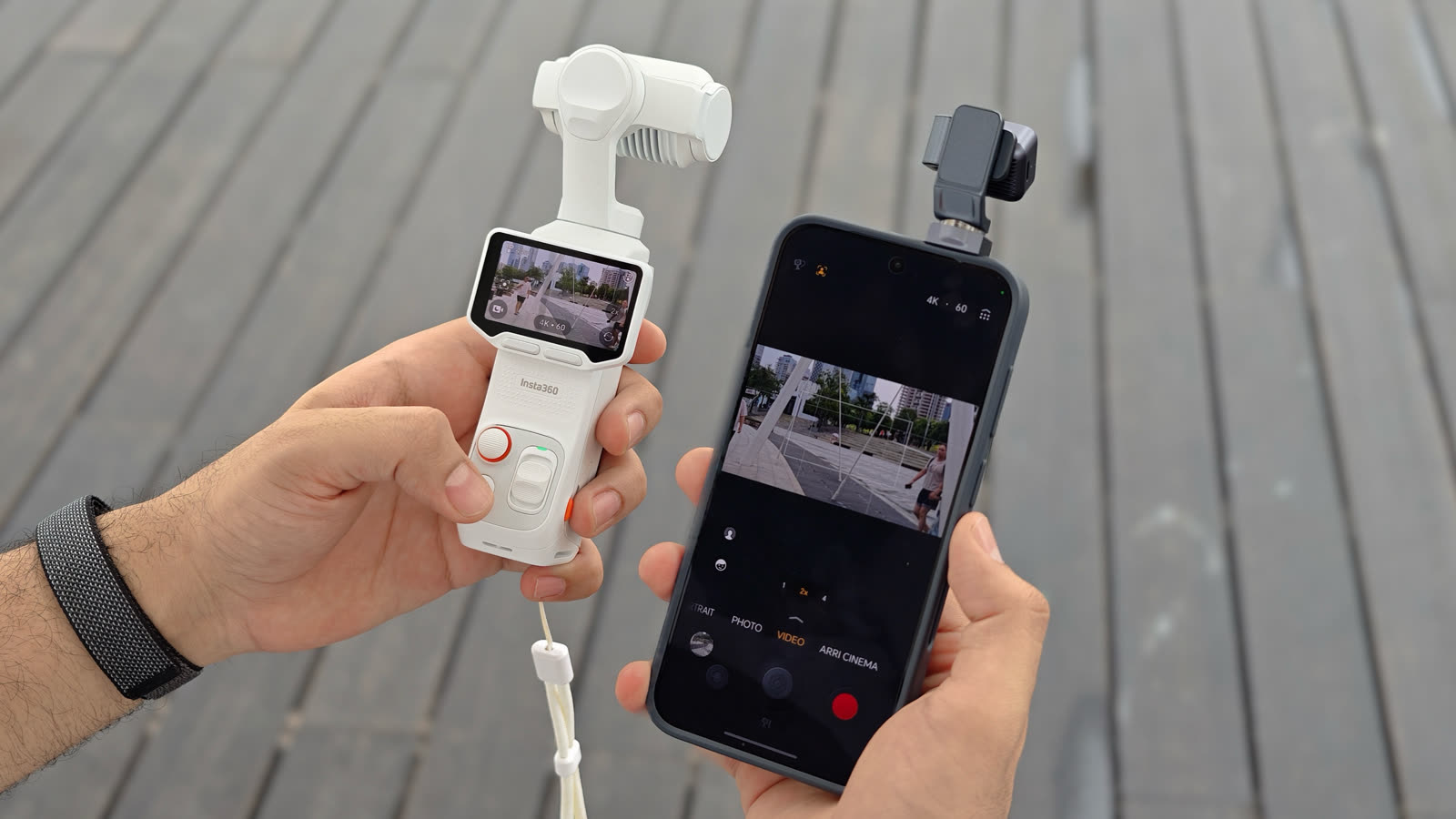
Buying Guides
HONOR Robot Phone vs Pocket Gimbal Camera: Which Is Better for Creators?
HONOR's March 2026 note is a preview. Compare the Robot Phone with Insta360 Luna Ultra using the August China sales clock and Luna's hardware manual.
Reviews, comparisons and practical guides
Clear guidance on devices, software, regional versions and the trade-offs that matter—before and after you buy.
Editor’s pick
HONOR's March 2026 note is a preview. Compare the Robot Phone with Insta360 Luna Ultra using the August China sales clock and Luna's hardware manual.
New on TasteOfAndroid
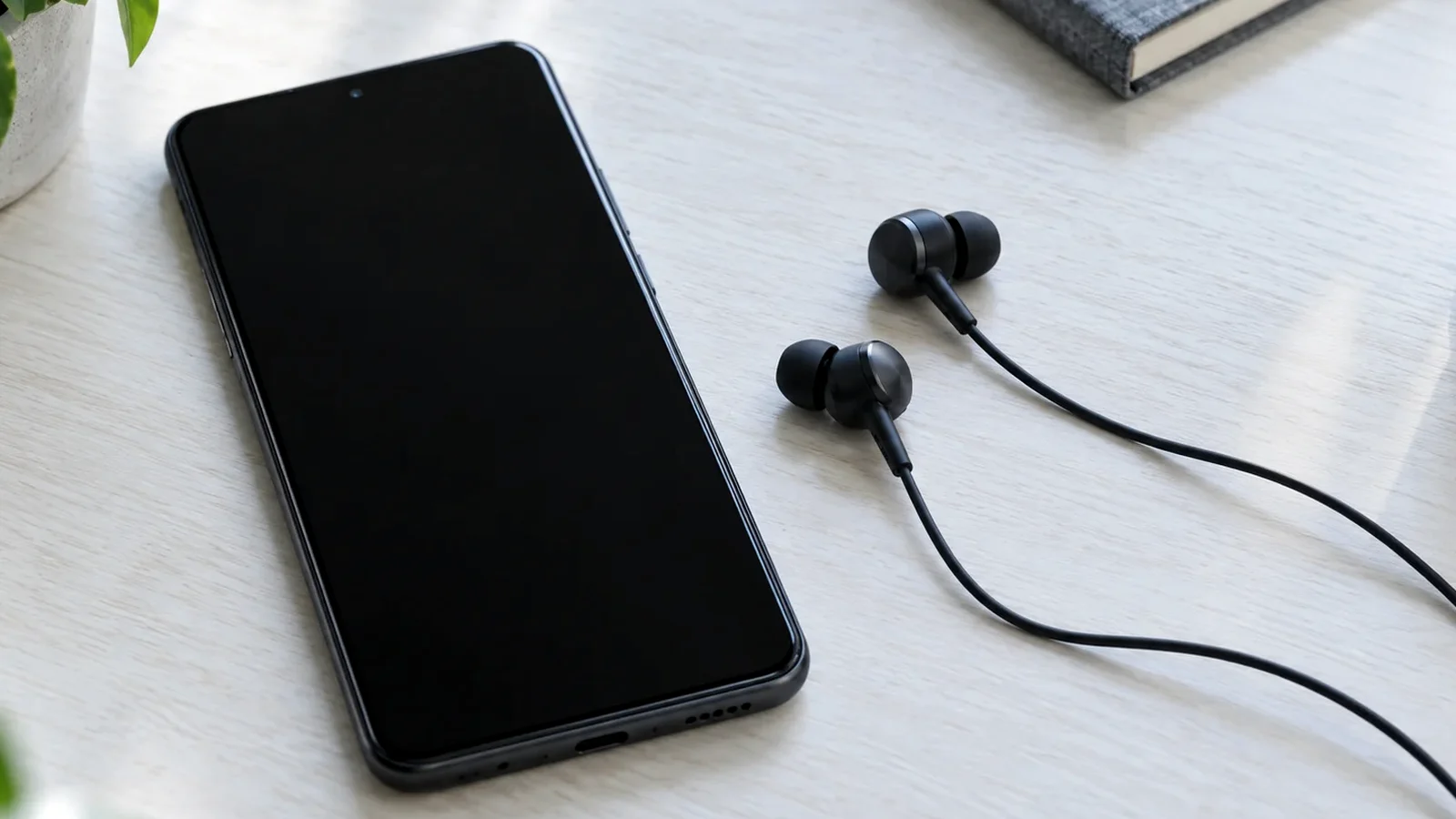
Certain Pixel phones stream media and calls directly to hearing aids over Android Audio Streaming for Hearing Aids (ASHA) or the Bluetooth SIG Hearing Access Profile (HAP).
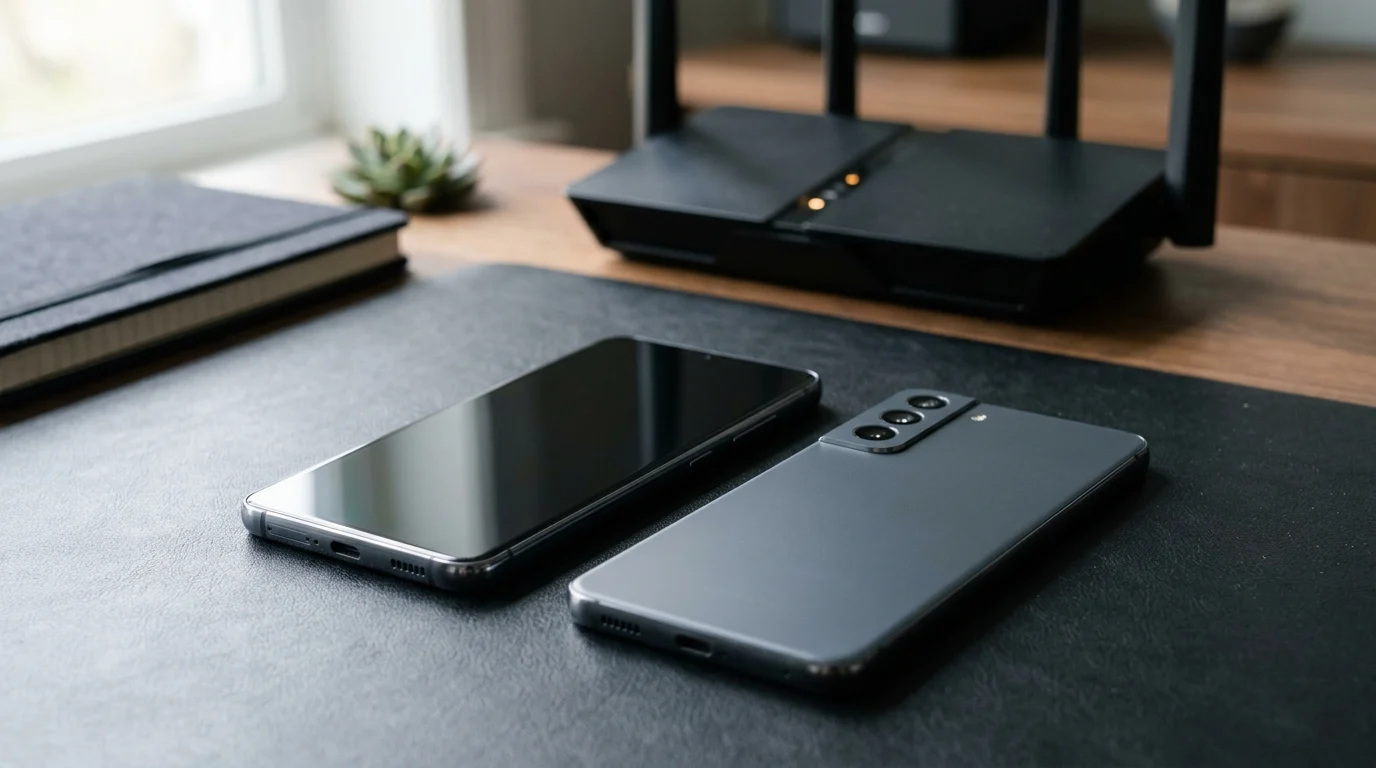
Introduced in 2024, Wi-Fi 7 enhances performance across the 2.4 GHz, 5 GHz, and 6 GHz bands, delivering high throughput, lower latency, and greater reliability.
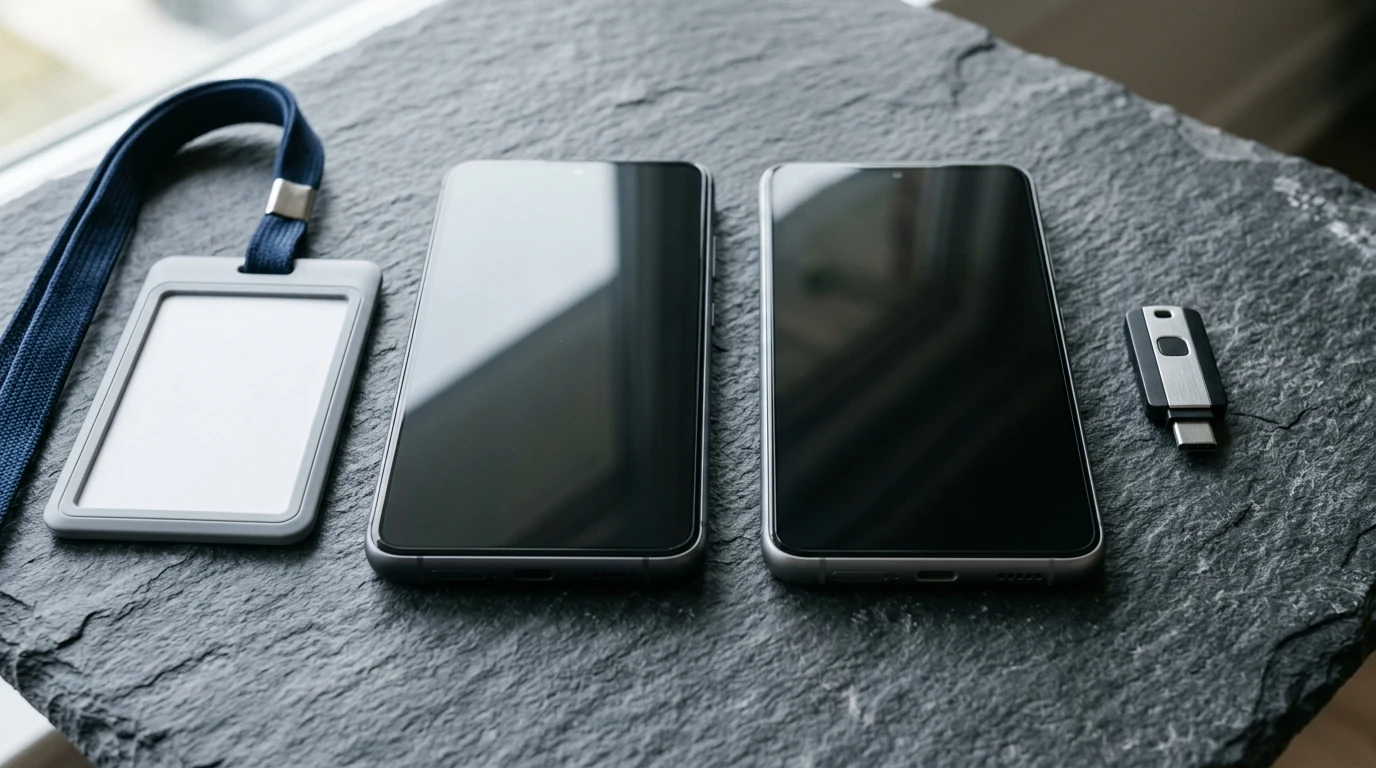
Compare Android 15+ Private Space, Work Profiles, and cloned apps across user IDs, locked notification states, Photo Picker visibility, VPN bypass, and backups.
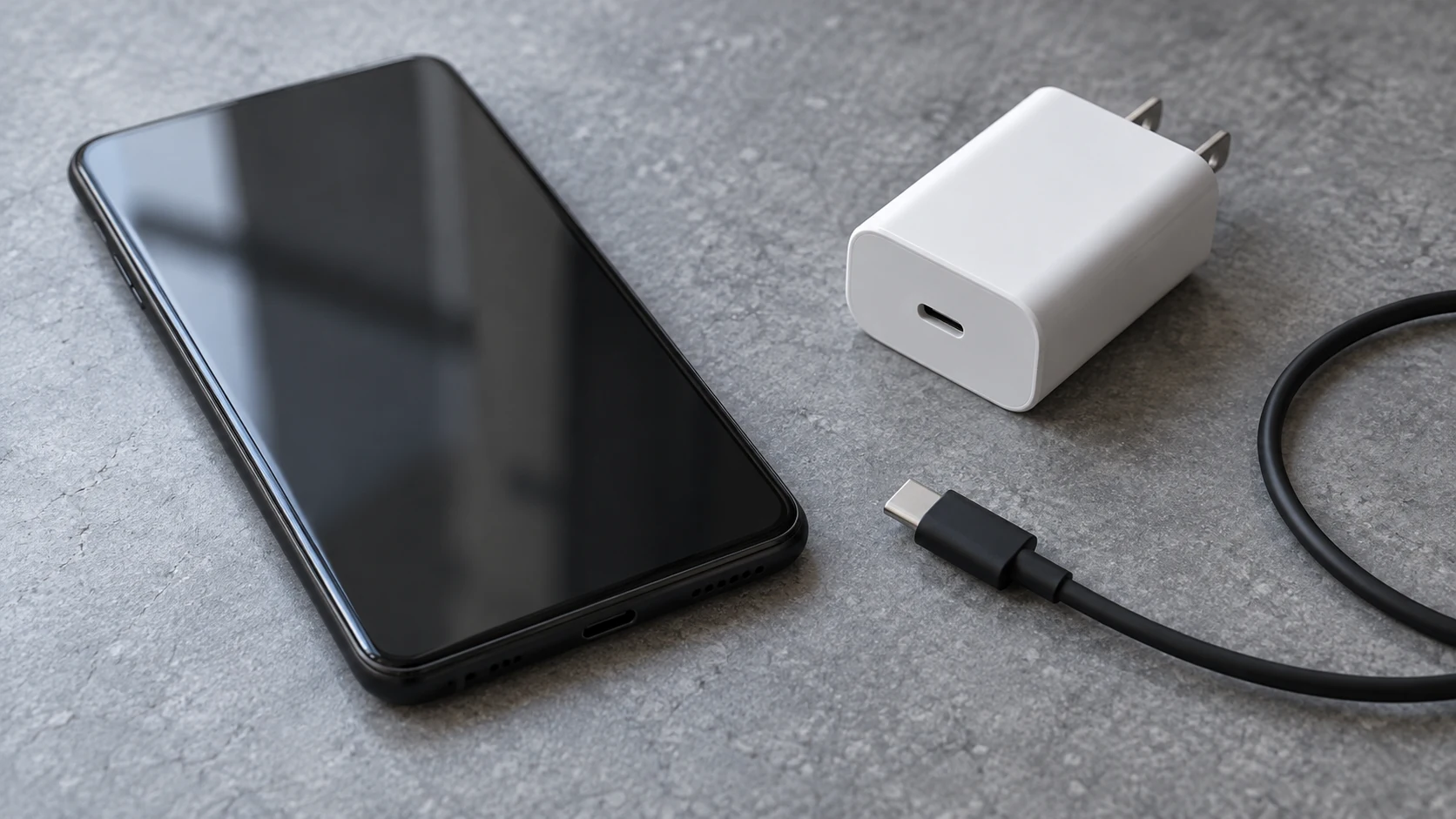
Match your Android phone to a charger's PPS voltage range, current limit, port and cable. Understand fixed PDO negotiation and why heat needs a separate check.

Compare rigid waterproof phone cases and pouches by model fit, manufacturer-rated use, closure condition and controls. Understand the limits of phone barometer checks.

Looking only in Default apps fails when a wrong PDF viewer or browser hijacks links. Use Android's 4 routing menus to set browsers, passkeys, App Links, and MIME handlers.